Manage User Groups
Create user groups within your business.
It is possible to assign jobs to user groups as well as specific users when creating new jobs.
For example:
- Service Team
- Install Team
- Estimators
- Trades People
- Apprentices
1. From the header select the  icon on the top right of your screen.
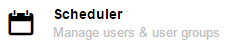
2. Select the Scheduler icon.
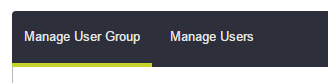
3. Select the Manage User Groups tab.
3. Add the New User Group name.

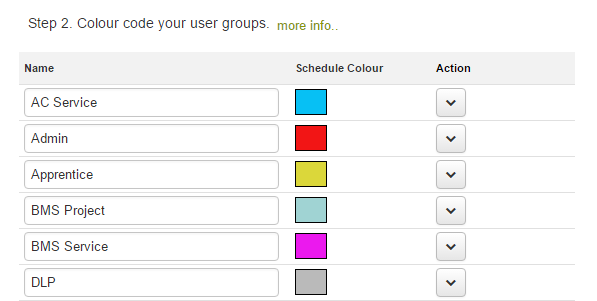
5. Set Schedule colour. After the groups are created you can add a colour reference to the user group. The colour reference and labour groups will show on the scheduler.
6. Select the Save button.
Comments
0 comments
Article is closed for comments.